Package Central

for Adobe InDesign

Package InDesign files automatically from hot folders

Offload all file collection tasks to a central system • Serve unlimited users from single workstation

Adobe InDesign CS6 – 2026

macOS 10.12 – 27 (Golden Gate)

Package Central 2 Released

New in Package Central 2:

This is the first paid Package Central upgrade in the sixteen years since its initial release.

Upgrading also ensures access to new features and improvements that will continue to be added in future free updates.

Package Central 2: InDesign CS6 – 2026  |  macOS 10.15 – 27 + support for forthcoming updates; Silicon-native.

Package Central 1: InDesign CS6 – 2026  |  macOS 10.12 – 26 [Tahoe]  Will not support later versions.

To use with recent InDesign/macOS versions, upgrade to Package Central 2

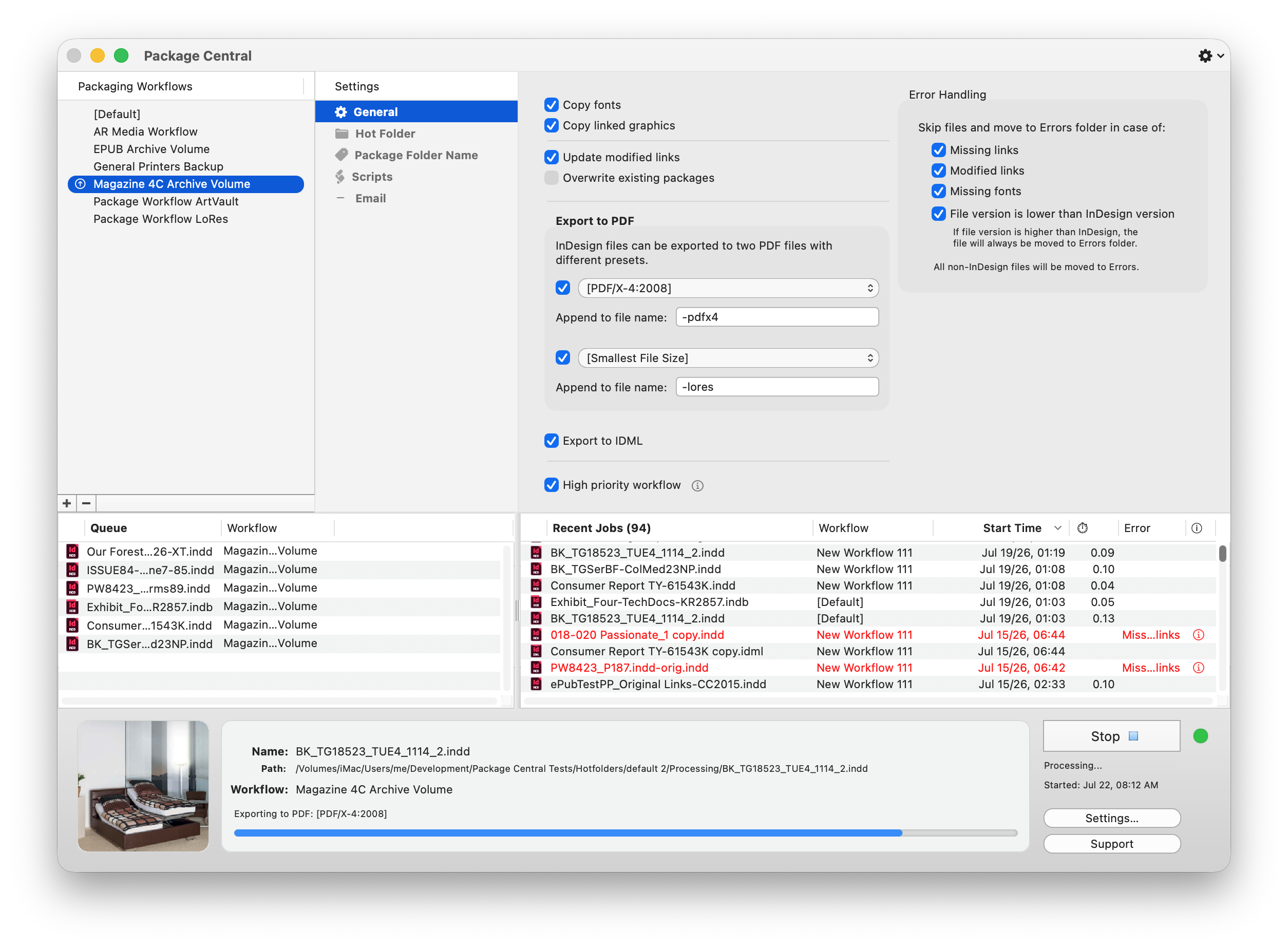
Package Central automates Adobe InDesign file packaging by using watched hot folders. It offloads the collection of links and fonts to a central Mac server, which frees up designer workstations, prevents system lockups, and enables fully unattended batch processing.

With Package Central, production artists, prepress operators, and designers simply copy files to hot folders that reside on a network. Package Central then automatically collects InDesign files along with their links and fonts on its dedicated Mac station. Operator machines will never again be tied up by the packaging process.

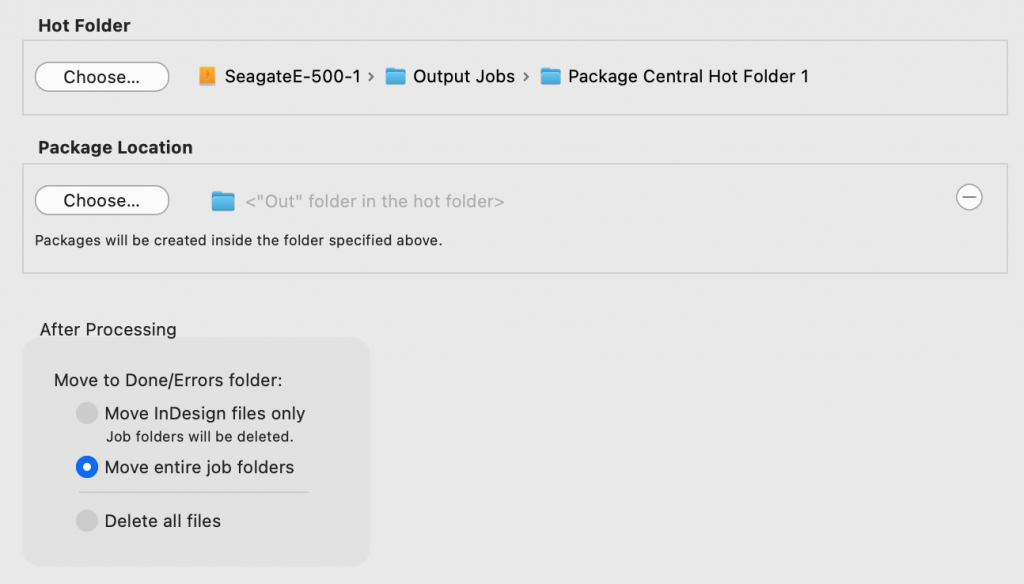
Hot folders

Package Central runs on a dedicated machine and watches hot folders linked to its workflow settings. The app collects InDesign files automatically along with their links and fonts and can run absolutely unattended.

Create PDF and IDML on the fly

Package Central can automatically export InDesign documents as PDF and IDML files. You can export two PDFs with different presets.

Automatic error handling

Package Central can skip files with missing links, fonts and other errors.

Email notifications

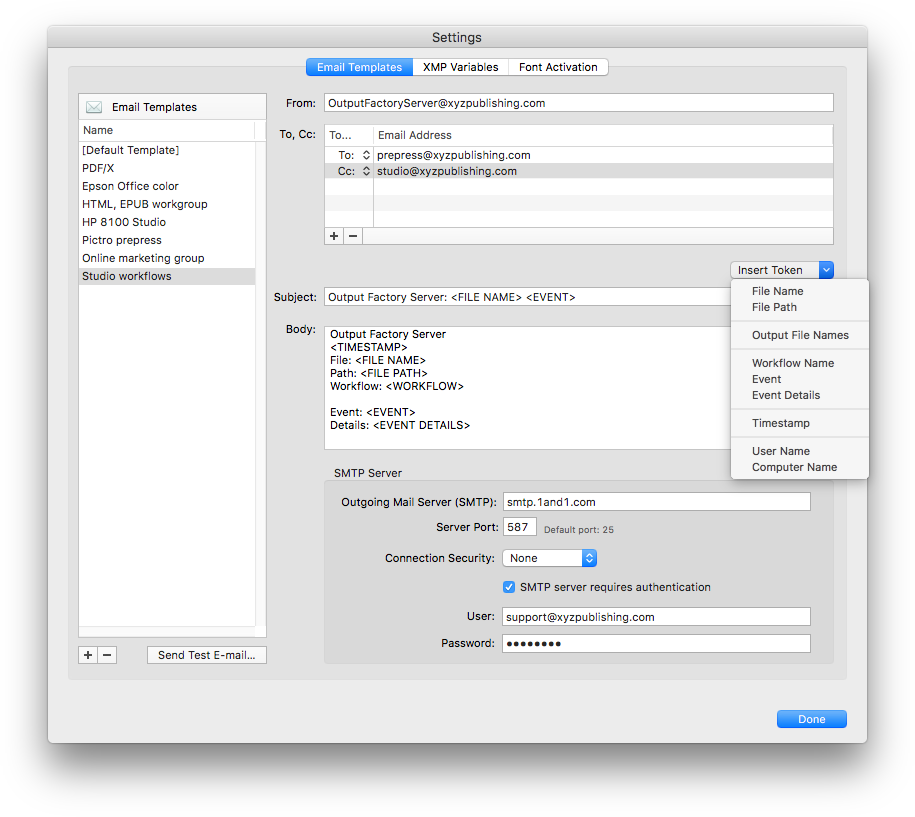
Package Central can send automatic email notifications during processing. Notifications can be triggered by errors, font activation, process stages, and other events.

Variable folder names

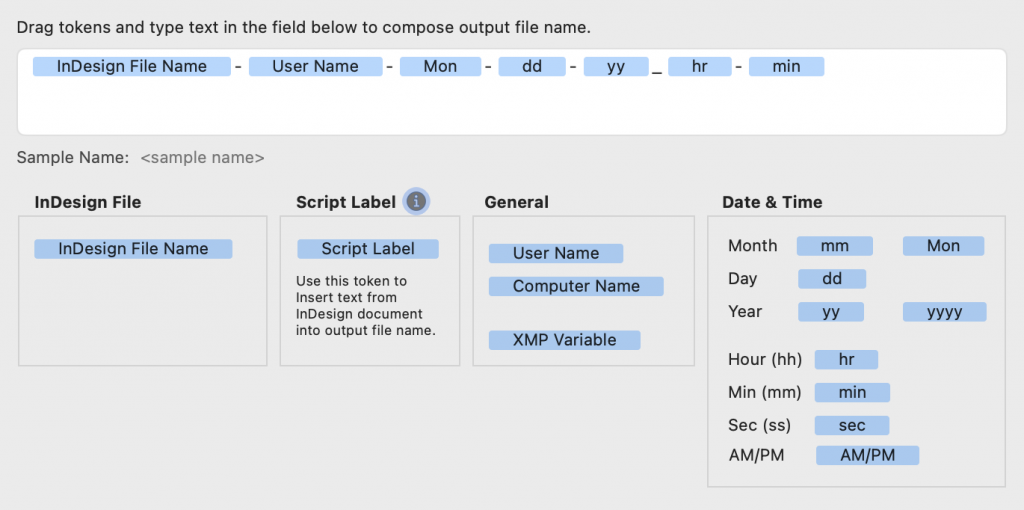
Package Central offers flexible variable package folder names based on date, document contents, XMP data, and other components.

Package Central for Adobe InDesign: folder name tokens
"Using Output Factory is straightforward... The time savings are huge. If you find yourself repeatedly exporting InDesign files in various formats, you owe it to yourself to install the free trial and see just how much time you’ll save using Output Factory."
InDesign Magazine
August 2018
"With Output Factory, I've got our magazine production down to six minutes from three hours. It was insane how fast it was. I load all my InDesign docs into Output Factory, press play, go grab a coffee and come back to my entire magazine."
Jeff Middleton
Graphic Designer, Toronto, Canada
"Using Output Factory is straightforward... The time savings are huge. If you find yourself repeatedly exporting InDesign files in various formats, you owe it to yourself to install the free trial and see just how much time you’ll save using Output Factory."
InDesign Magazine
August 2018
"With Output Factory, I've got our magazine production down to six minutes from three hours. It was insane how fast it was. I load all my InDesign docs into Output Factory, press play, go grab a coffee and come back to my entire magazine."
Jeff Middleton
Graphic Designer, Toronto, Canada

Package Central

$ 149
95
One-time payment
  • Package InDesign files
      automatically from
      hot folders

UPGRADE

to Package Central 2
$ 74
97
One-time payment
  •        New:
  • Revamped UI
  • Run custom scripts
  • Create two PDFs
  • Preflight/email per workflow
  • Variable name tokens
  • ...and much more

UPGRADE

Upgrade to Output Factory 2 from version 1 and BatchOutput
Upgrade to Output Factory (full version) from Output Factory Lite

For Sales Queries & Product Support