Graphic Inspector

Everything you wanted to know about your graphic files

dl2

$3995 Save 10-20% on bundles
with other products


We really do love Graphic Inspector as an indispensable and quick utility for checking our clients files prior to ripping.
xxxxxxxIt saves us a lot of time.

xxxxWe have very talented operators and Graphic Inspector is really a lot better for us than some bloated preflight program that just makes a confusing mess out of preflighting a job.
xxxxxxxxxxxxxIt's lightweight, quick and easy!

Joel A. Glastetter,
Benchemark Printing
benchemark.net


git

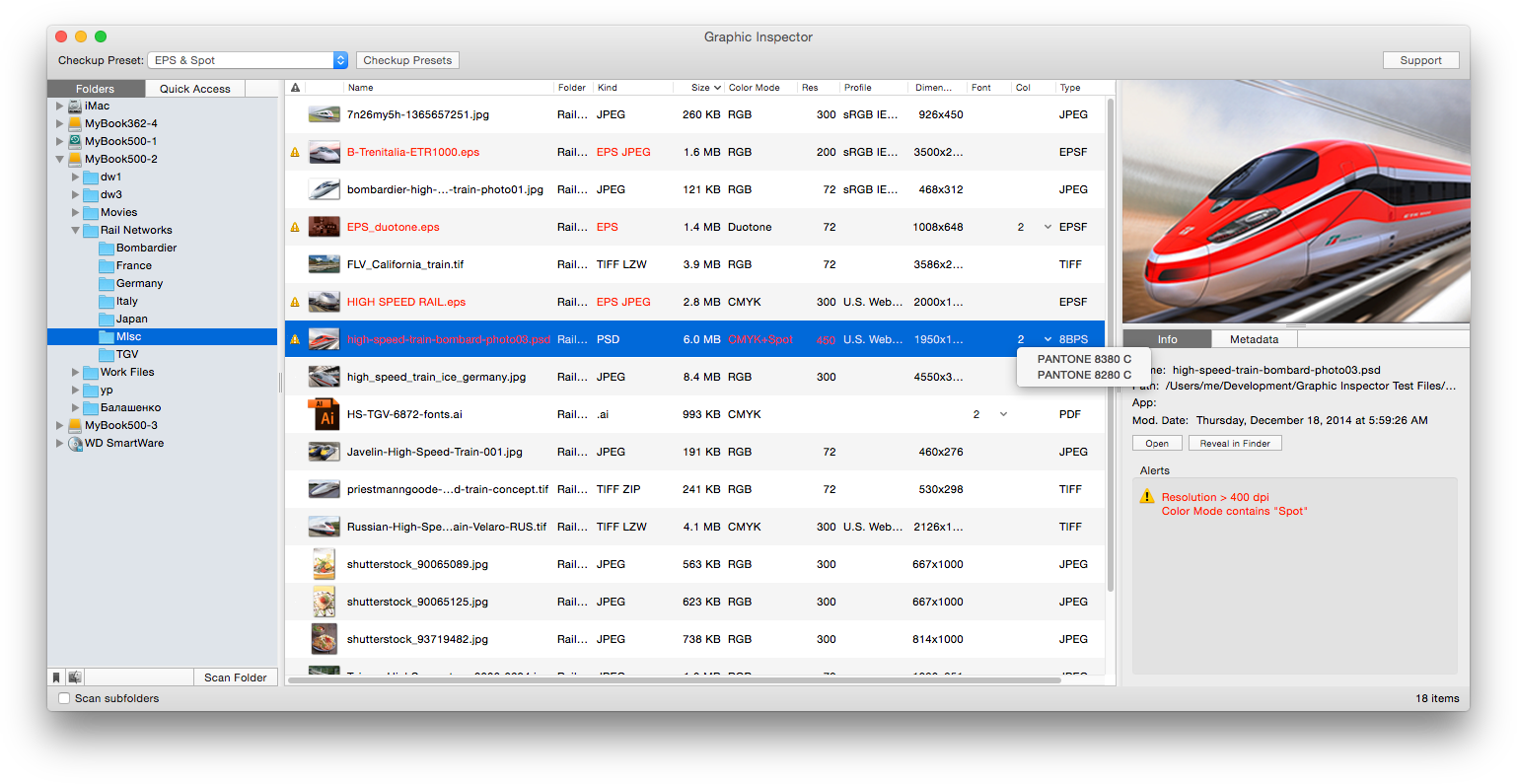
Graphic Inspector provides you with extensive info on entire folders on raster and vector graphic files and lets you quickly locate files with unwanted attributes. Graphic Inspector is designed to help users of any trade, whether it's print, prepress, web design, electronic publishing or digital photography.


Screenshots

lGraphic Inspector

lCheckup Presets


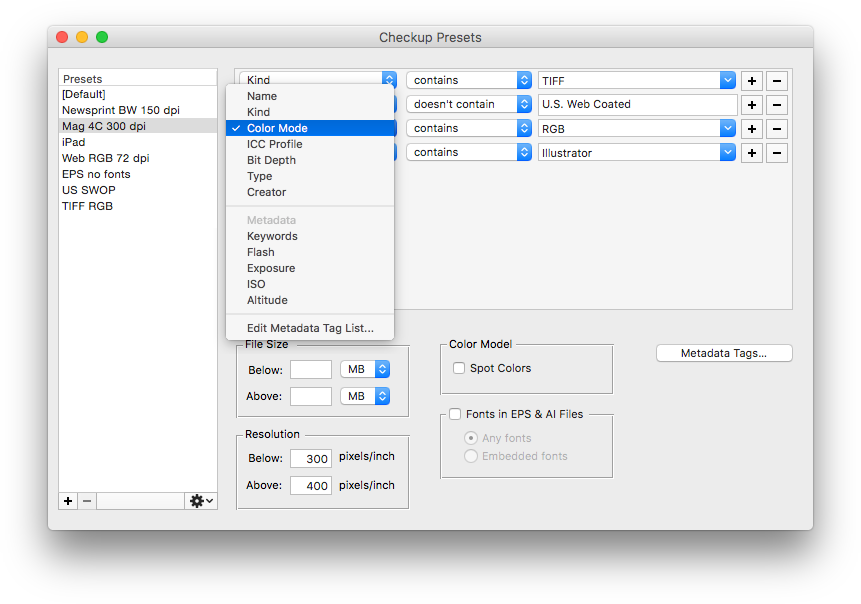
With Graphic Inspector, you quickly get crucial information about entire folders of graphic files instead of opening and checking each of them manually. And the Checkup Presets turn Graphic Inspector into a powerful mine-detector which lets you quickly discover files with unwanted attributes and helps preventing costly mistakes. For example, you can make Graphic Inspector warn you about all files whose color mode is RGB, format - JPEG, resolution is below 200 dpi, ICC profile doesn't contain "USWebCoated" etc.


Features Overview

Detailed File Info

Graphic Inspector provides the detailed info about file's attributes such as:

-File kind (including TIFF and EPS compression)
-File size
-Color mode of raster and Illustrator files
-Resolution
-Embedded color profile
-Fonts in Illustrator files
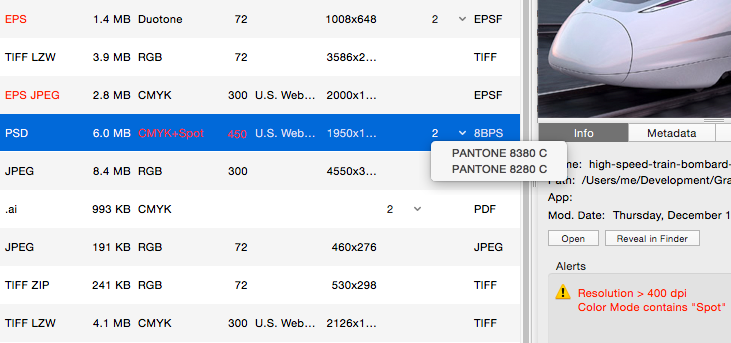
-Spot colors in Illustrator and Photoshop files
-File type and creator
-File preview and more…

EXIF Data

Graphic Inspector displays EXIF data (when available).

Checkup Presets

Quickly discover files with specific attributes such as Kind, Color Mode, Profile, Resolution and other. You can create different presets for various purposes such as print, web or PDF publishing.

Export Data

Export all files data in tab-delimited format.

Integration

You can scan files with Graphic Inspector using several methods:

-drag and drop files and folders from Finder,

-select folders in the built-in folders tree,

-use the Open command for the standard system navigation dialog.

You can also open files and reveal them in Finder - including multiple files - directly from Graphic Inspector.


System Requirements

• Mac OS X 10.4.2 (or later), Leopard compatible


Graphic Inspector 1.5

Graphic Inspector 1.5 introduces favorite folders, complete info on PSD files, faster scans, improved interface and other new features. The update is free for licensed users.


u Upgrade to Graphic Inspector 1.5.x
from version 1.1.x


u Download the latest version of Graphic Inspector


u Version Control


To update Graphic Inspector, just replace your old copy with the new one.


© 2006-2008 Zevrix Solutions. All rights reserved.
About Us Products Store Contact Us