“We really do love Graphic Inspector
Joel A. Glastetter,
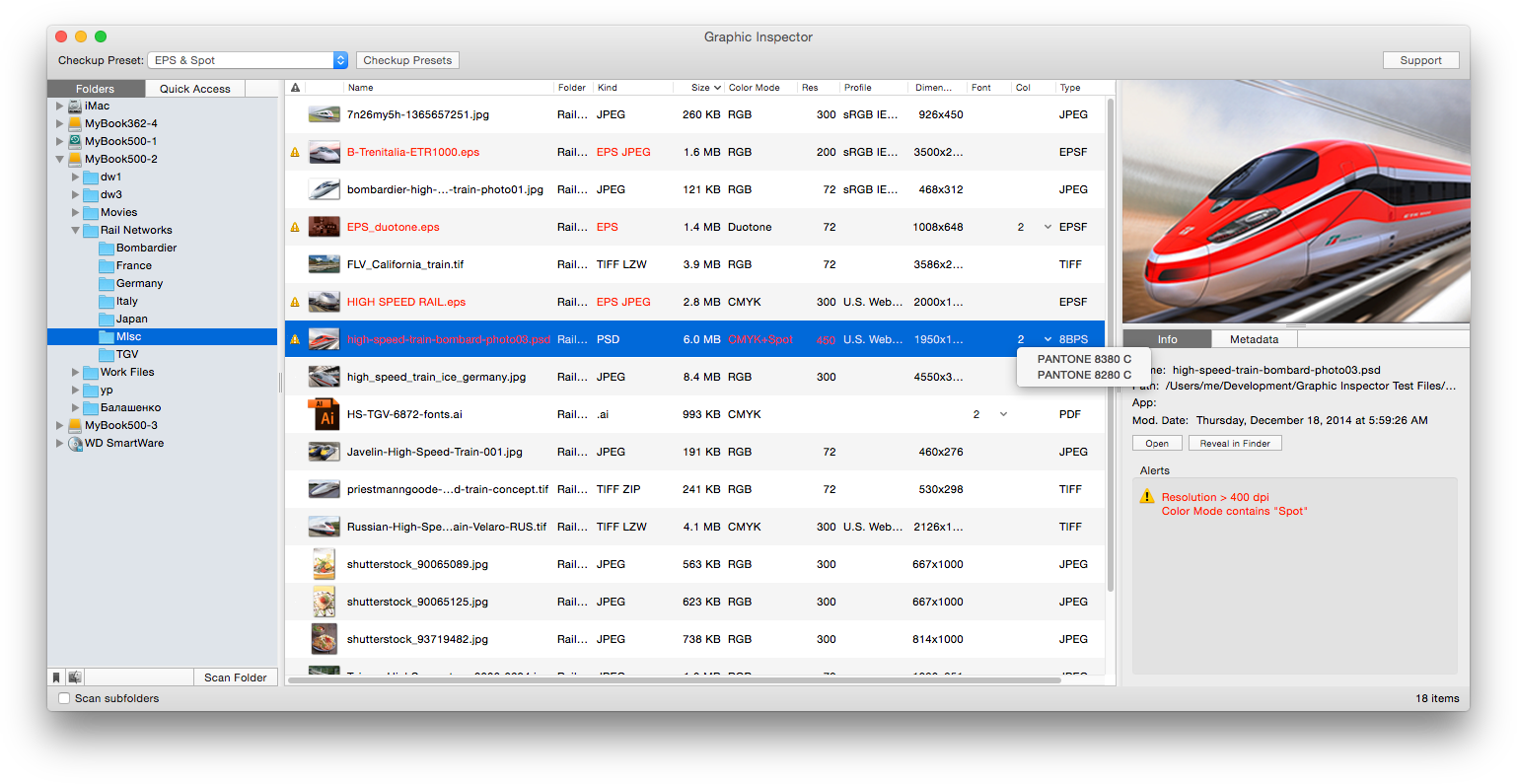
Graphic Inspector provides you with extensive info on entire folders on raster and vector graphic files and lets you quickly locate files with unwanted attributes. Graphic Inspector is designed to help users of any trade, whether it's print, prepress, web design, electronic publishing or digital photography.
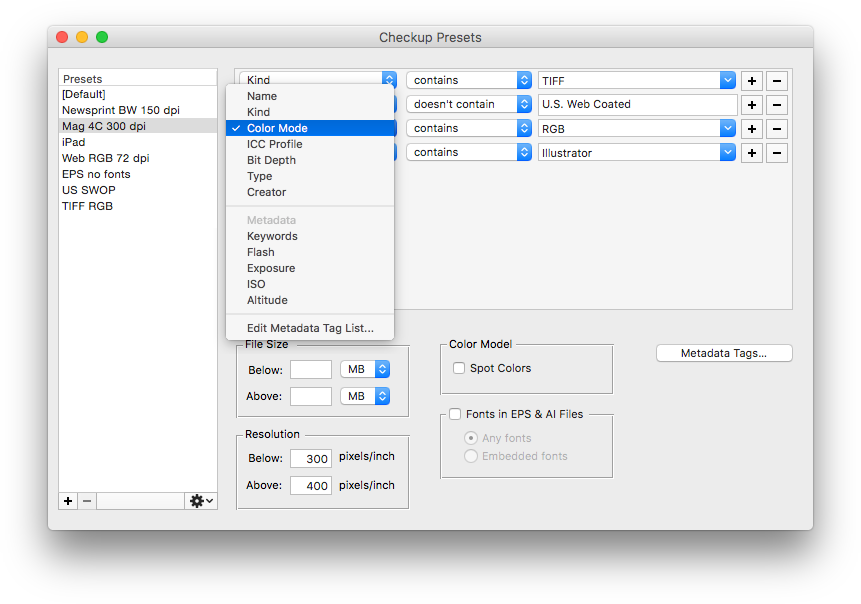
With Graphic Inspector, you quickly get crucial information about entire folders of graphic files instead of opening and checking each of them manually. And the Checkup Presets turn Graphic Inspector into a powerful mine-detector which lets you quickly discover files with unwanted attributes and helps preventing costly mistakes. For example, you can make Graphic Inspector warn you about all files whose color mode is RGB, format - JPEG, resolution is below 200 dpi, ICC profile doesn't contain "USWebCoated" etc.
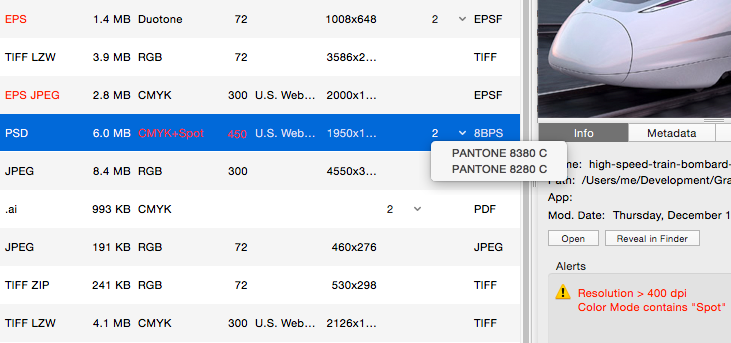
Features Overview Detailed File Info Graphic Inspector provides the detailed info about file's attributes such as: -File kind (including TIFF and EPS compression) Complete Image Metadata Graphic Inspector displays the complete image EXIF, IPTC and GPS metadata. Checkup Presets Quickly discover files with specific attributes such as Kind, Color Mode, Profile, Resolution and other. You can create different presets for various purposes such as print, web or PDF publishing. Export Data Export all files data in tab-delimited format. Integration You can scan files with Graphic Inspector using several methods: -drag and drop files and folders from Finder, -select folders in the built-in folders tree, -select favorite folders or the ones currently open in the Finder, -use the Open command for the standard system navigation dialog. You can also open files and reveal them in Finder - including multiple files - directly from Graphic Inspector.
System Requirements • Mac OS X 10.4.2 - 10.6
|
|