Both Deliver and Deliver Express are compatible with macOS Golden Gate with one condition: the apps currently require Rosetta to run. If you don’t have Rosetta installed, macOS will prompt you to do so.
Deliver leverages a common third-party connection framework that has to be updated to its native Silicon version.
We expect native Silicon versions of both apps to be released by the end of the year. Please contact us with any questions.
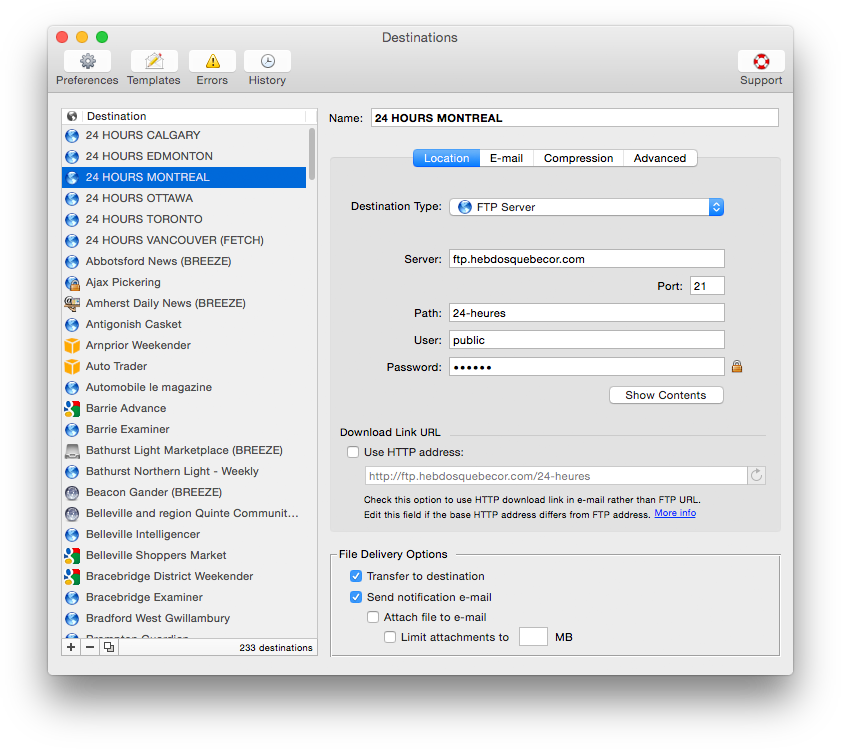
Send files to remote and local destinations automatically with email notifications
Deliver offers automatic email notifications, hot folders, delivery to multiple destinations, support for major online services, detailed history and much more
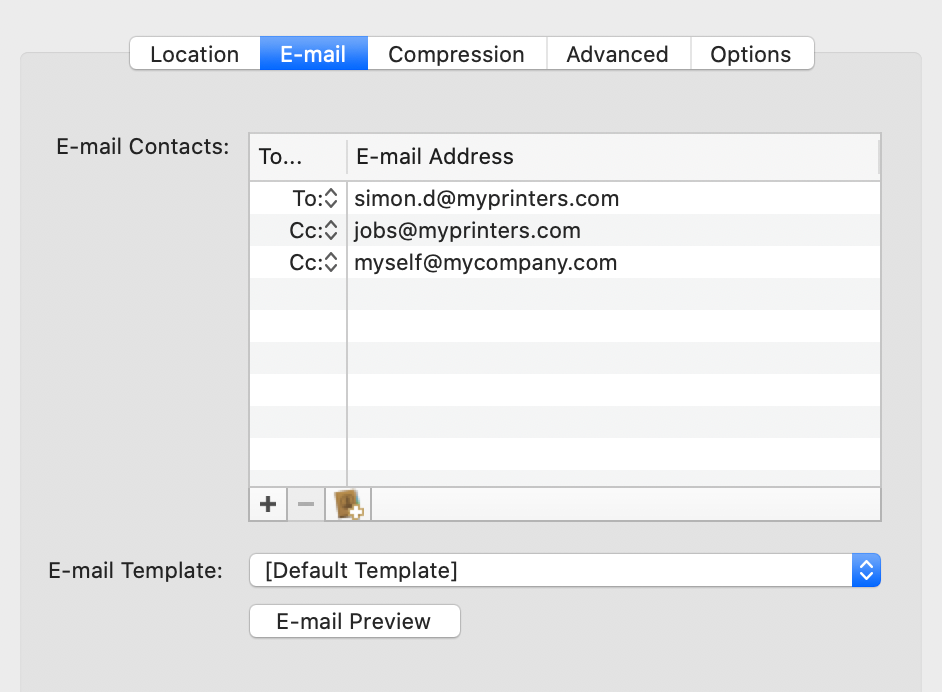
Notify recipients on file uploads by email automatically instead of babysitting your transfers
Hot folders for automatic delivery with Deliver Express
Automatic file compression & encryption
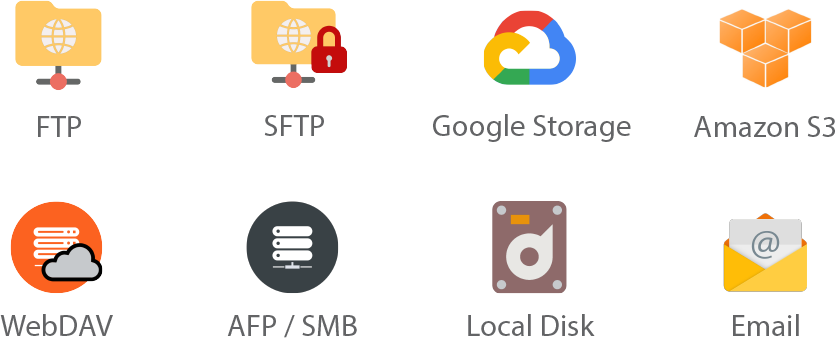
Supports FTP, SFTP, WebDAV, local disks and other services
For in-depth details on these and many other options, please see below.
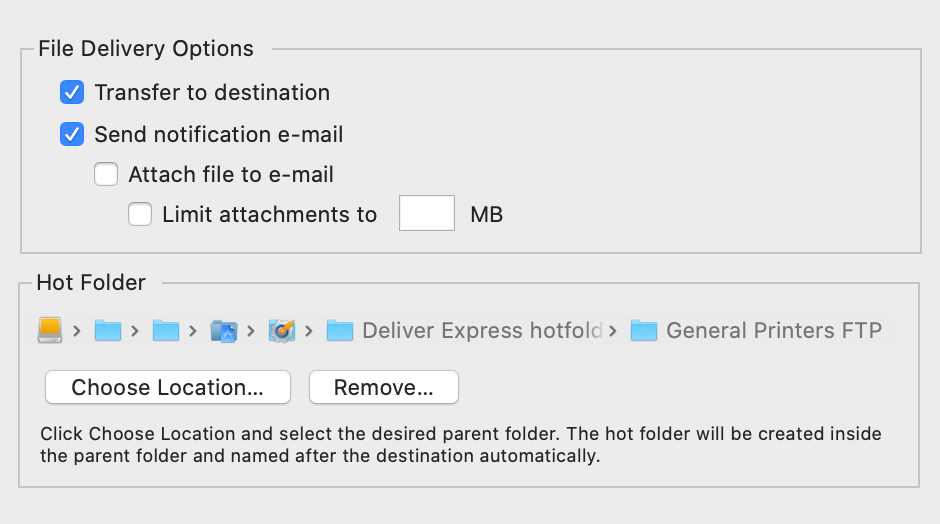
Watched hot folders
Create watched hot folders for your destinations, drop your files there – and they will be sent automatically. This option only available in Deliver Express which can run absolutely unattended and serve unlimited users on a network.
Deliver solves the problem of notifying recipients about file uploads. Once the file is transferred, Deliver will send an email automatically so you don’t need to lift a finger and babysit your deliveries. Your recipients can download files automatically from a link in the email.
...or copy download link
If you prefer to notify your recipients manually, you can just copy the file download link and include it in your email.
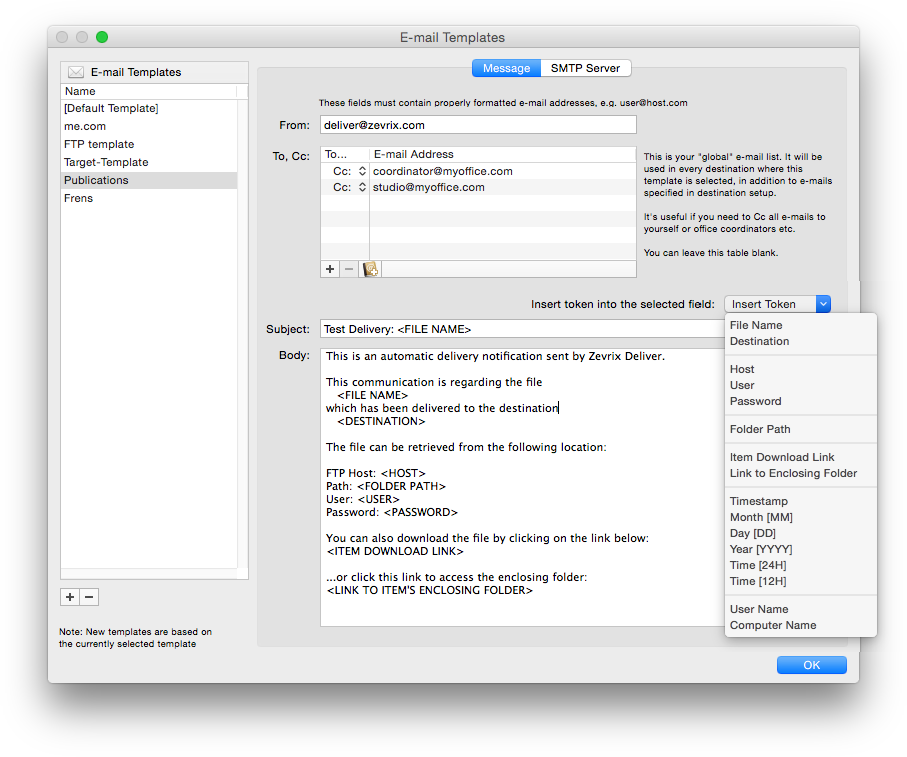
Variable email templates
The emails are based on powerful variable templates. Include variable data such as file name, destination, server location, hyperlink to your file or its enclosing folder, and more.
Create lo-res PDF on the fly
If you send a PDF file, Deliver can create its lo-res RGB version on the fly and attach it to the notification email as an instant preview for your recipients.
Automatic compression and encryption
Files and folders can be compressed in either .zip or .dmg format. Disk images can be automatically encrypted with a password.
"LinkOptimizer has changed my life and saved me days and days of work as a retoucher for an international quarterly magazine. It's a lifesaver".
Steve Krason
SK Design Group, Chicago
"Today LinkOptimizer batched a huge book project and another magazine project in minutes vs. hours. Now I can take the afternoon off and drink beer. Thanks for freeing up my afternoon, rather than doing production work."
Brian Donahue
Bedesign studio, Minneapolis, Minnesota
"Deliver Express comes close to fulfilling the laundry list of requirements. What’s great about Deliver Express for organizations is the unattended nature of using a hot folder."
Natalia Nowak
Mac360 review site
The app is available in two editions:
Deliver: To send files, drop them on the app’s icon and select the destinations. Each delivery is initiated manually.
Deliver Express: Automate delivery with hot folders. Drop files into hot folders and they’ll be send automatically.
The app can serve unlimited users on a network via hot folders.